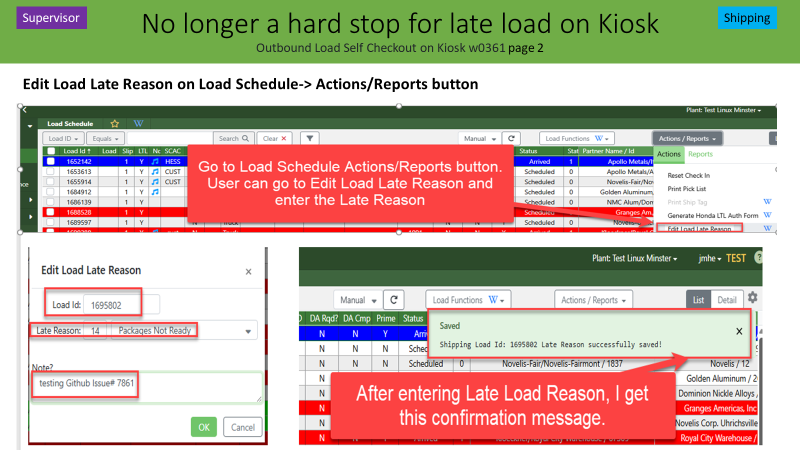
Edit Late Load Reason:
allows the user to add a Late Reason to a specific load. Once the action is complete, associates signed up to receive Alert ID# 122 Late Load Notification will receive an email advising the reason the load is late. The user can be signed up to receive the email alert on a plant or company wide basis.
http://psiwiki/IGenesis_Load_Schedule_z0068#.22Edit_Load_Late_Reason.22:
"Edit Load Late Reason":
Edit Load Late Reason: allows the user to edit a Late Reason to a Released Load (Load Status 9 Shipped) that is deemed late. Can not edit a released load that is not late. A load is considered late if it ships within 90 minutes of the in plant date and time. The customer maintenance screen for the ship to id (user id) must also have the "Late Shipment Report" box check marked. If the Released Load meets these requirements, then the load will be added to the Late Shipment Report r0492 under Shipping Reports. The Edited Late Reason will display in field column J of the report (Late Reason). The user also has an option to add a note while editing the late reason that will append to the packing slip of the released load. It can not be edited or deleted from the Released Load when added. This note will display in Field Column K (Late Reason) of the Late Shipment Report.
This action is not to be confused with adding a late load reason during the release process of the active load. During the release process of a load deemed shipping late, the shipping clerk will have to enter a late load reason and has an option of entering a note that will append to the packing slip. Once the action is complete and the load is released, associates signed up to receive Alert ID# 122 Late Load Notification will receive an email advising the reason the load is leaving Precision Strip late. The user can be signed up to receive the email alert on a plant or company wide basis. The late reason and note will originally append to the Late Load Report's column J and K; but will be replaced if the Edit Load Late Reason action is used.
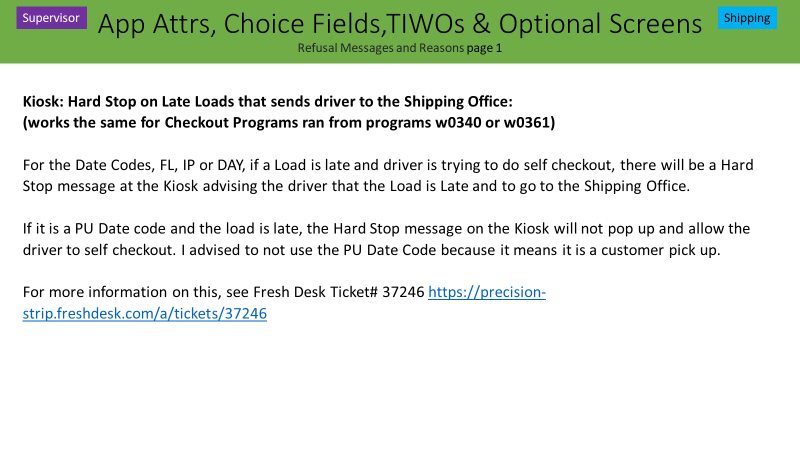
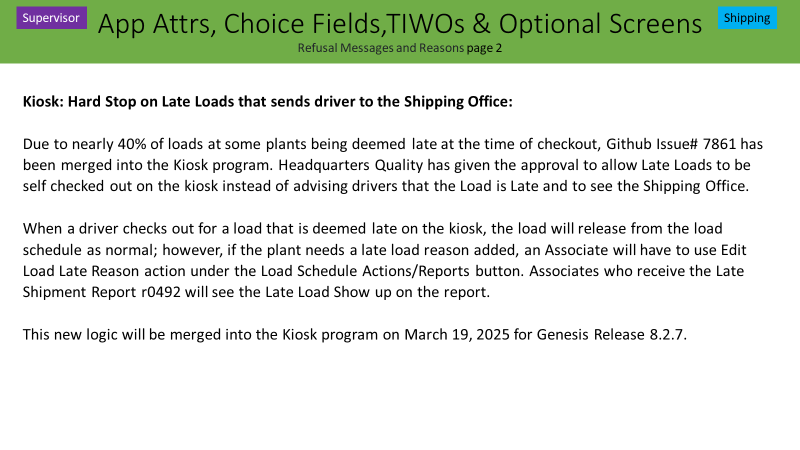
After Genesis Release 8.2.7 March 19,2025, HQ Quality has directed to put this change in.
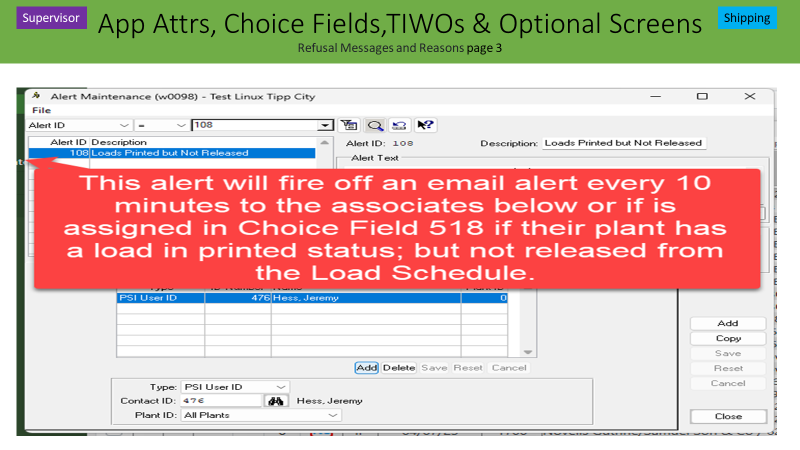
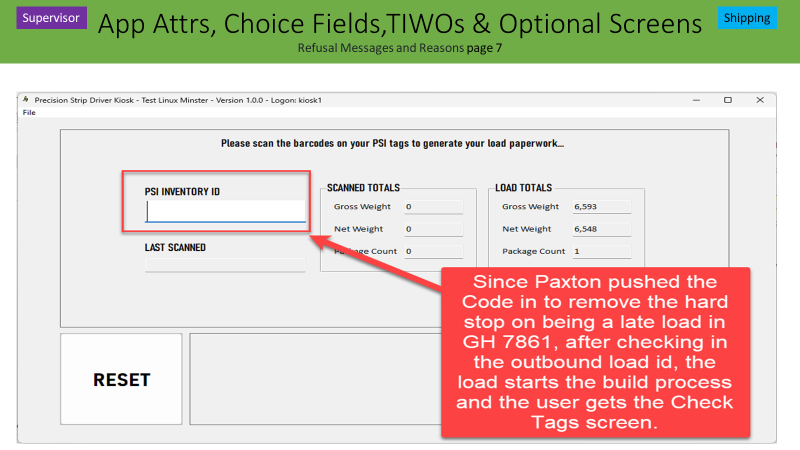
Several Plants asked HQ Quality to allow the Kiosk to Check Out a Late Load. HQ Quality checked with all the plants and came up with this plan.
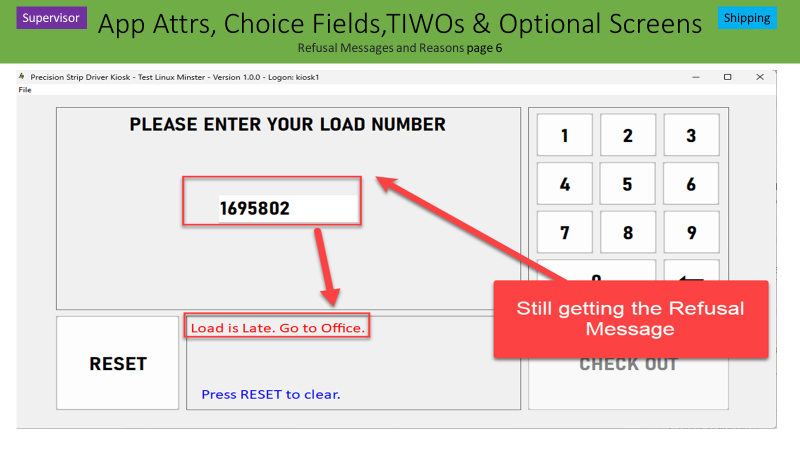
Prior to Genesis Release 8.2.7 March 19, 2025 it was a hard refusal for a load deemed late and a message on the Kiosk sent the driver to the shipping office to check out so that the Shipping Clerk could add the Late Reason during the Release Load shipping function in the Load Schedule. Github Issue# 7861 changed this logic to allow the driver to check out; but send an email alert (Alert ID# 122) Late Load Alert if the user requests to receive the emails.
Was this article helpful?
That’s Great!
Thank you for your feedback
Sorry! We couldn't be helpful
Thank you for your feedback
Feedback sent
We appreciate your effort and will try to fix the article