SAMPLE TRACKING & SAMPLE LABELS – QUICK REFERENCE
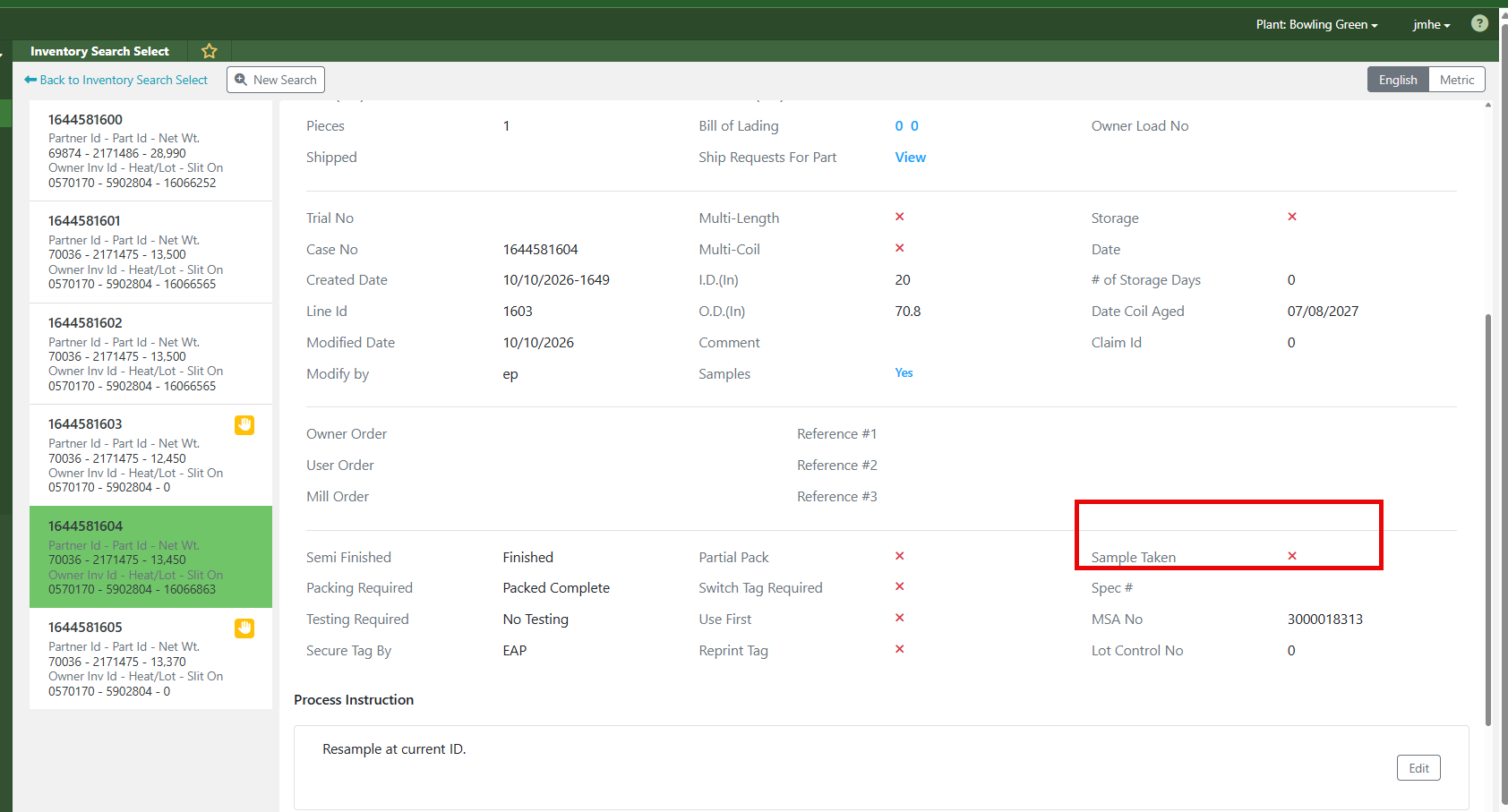
Most sample-related issues are caused by the Spec setup and not a system problem.
Genesis looks at:
Spec→ Process Tab→ Process 2→ Samples
If the Samples field is set to:
(0) None
then Genesis will NOT:•
Create a Sample Required To Do•
Require Sample Labels•
Create Sample Tracking records•
Prompt the operator to take a sample
HOW SAMPLE TRACKING WORKS
When a Sample Type is selected in the Spec:
Spec Sample Requirement
→ Sample Required To Do Created
→ Operator Generates Sample Labels
→ Sample ID Created
→ Sample Status
= Ready To Ship
→ Sample Tracking Process
→ Sample Picklist Created
SAMPLE DESTINATIONS
Sample Ship-To locations are controlled through:
Choice Field 85 – Sample DestinationsThis controls:• QA Labs• Mill Sample Locations• Customer Sample Locations
COMMON ISSUES
Missing Samples:Most commonly caused by:Spec → Process 2 → Samples = (0) NoneResult:• No To Do• No Sample Labels• No Sample TrackingMissing PSI ID or Master OD on Sample
Result:
• No To Do
• No Sample Labels
• No Sample Tracking
Missing PSI ID or Master OD on Sample Labels:
Likely caused by the sample being created manually instead of through the normal Sample Tracking process.
Result:
• Missing Sample Tracking information
• Missing PSI ID
• Missing Master OD
Sample Tracking List Contains Old Records:
Current process appears to move samples from:
Ready To Ship
→ Planned To Ship
and they may remain visible in Sample Tracking after processing.
HOW TO PREVENT FUTURE ISSUES
For a single part:
• Create a new Spec version and assign the correct Sample Type.
For multiple parts:
• Use Mass Spec Update to apply the correct Sample Type across all affected Specs.
FIRST THING TO CHECK
If samples are not being required, labels are not printing, or Sample Tracking is not working:
Spec
→ Process Tab
→ Process 2
→ Samples
If Samples = (0) None, Genesis will not enforce the sample process.
BOTTOM LINE
If the Sample Type is not configured in the Spec, Genesis will not create the Sample Required To Do, will not require labels, and will not start the Sample Tracking process.
RELATED REFERENCES
Freshdesk #84325 – Sample Labels Not Required
Freshdesk #84334 – How Sample Tracking Works
Freshdesk #84471 – Missing PSI ID / Master OD on Sample Labels
Freshdesk Solution #150000236154 – Sample Tracking
Choice Field 85 – Sample Destinations
Was this article helpful?
That’s Great!
Thank you for your feedback
Sorry! We couldn't be helpful
Thank you for your feedback
Feedback sent
We appreciate your effort and will try to fix the article